Bedrock
Eight themes, four data bands of your choosing
We're finishing tests on real watches; you'll be able to unlock it here once it's in the store.
all included
from 9 fields
from 10 fields
Make it
your own.
Pick a theme, then a field for each of the four bands and five cells. The face follows every choice; at the end you get a config code that dresses your watch the same way.
On your phone, open Connect IQ, find Bedrock's settings and paste the code into “Config code”. You can also change the theme on the watch: press and hold the face.
Have a code already?
Bedrock
Six layers: a seconds ring, top readouts, a large time, five cells and four data bands. All eight themes are included; pick the bands from nine fields and the cells from ten.
| Type | Data |
|---|---|
| Themes | 8 included, switch any time from your phone |
| Data | Four bands from nine fields each, five cells from ten; a field the watch can't read gives way to the next, never a blank |
| Always-on | A separate always-on screen with the time and what matters most |
| Privacy | Never goes online, collects nothing. The unlock code is checked on the watch |
| Licence | One code covers one face on one watch · New watch? |
| Watches · 10 | fēnix 8 · 43 mmfēnix 8 · 47 / 51 mmfēnix 8 Pro · 47 mmepix Pro · 42 mmepix Pro · 47 mmepix Pro · 51 mmForerunner 965Forerunner 970Venu 3Venu 3S |
Wear it first.
Unlock when you like it.
Install it free
Once the face is in the Connect IQ Store, put it on your watch and live with it.
The face shows a device code
Eight characters, one per watch. Reinstalling doesn't change it.
K9UC-9USMPaste the unlock code, for good
Paste it into the face's settings in Garmin Connect. The watch checks it on its own.
GZFF-TE69-X89Q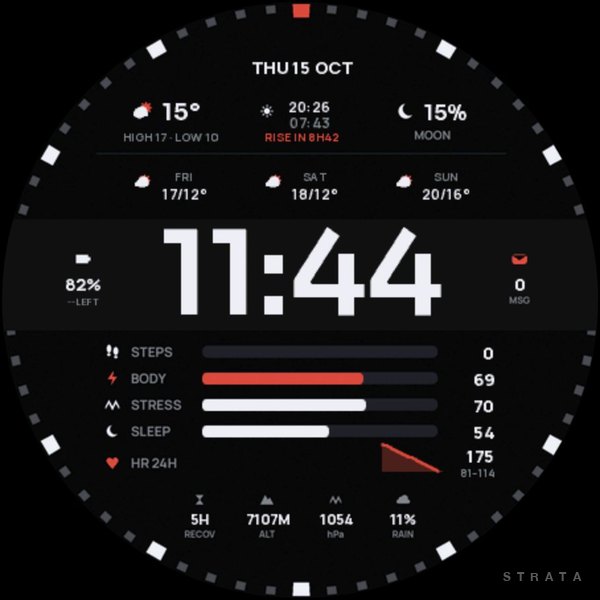 Meridian 01
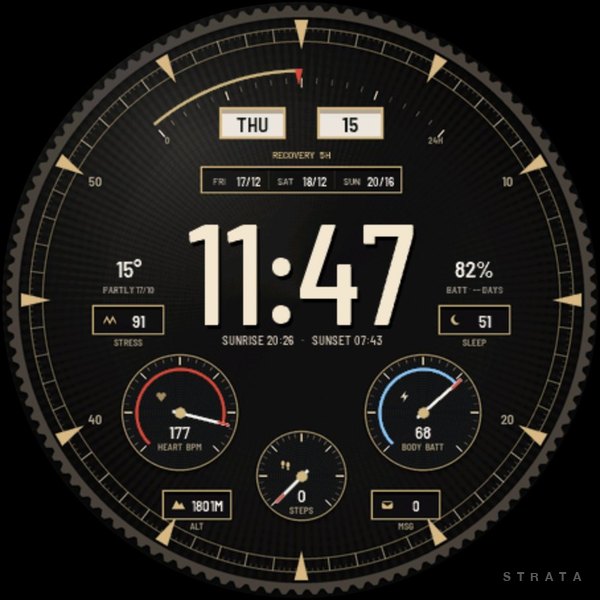 Calibre 01
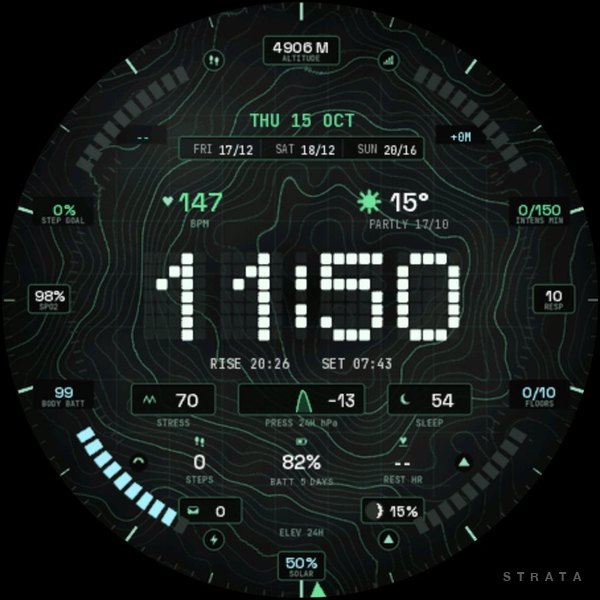 Summit Topo 01
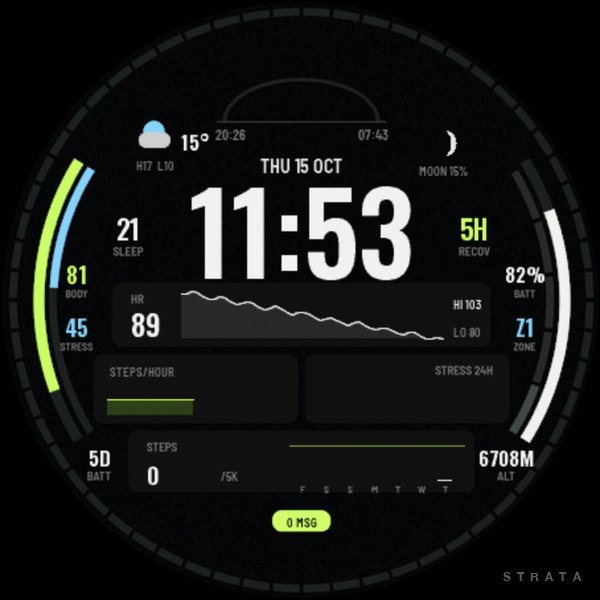 Telemetry 01